Booking happens in the Co.Lab Health app
Browse every test and package, choose your slot, track your medtech, and keep results, prescriptions, and invoices in one account. Free for iOS and Android.
Not ready for the app? Message us and we will book it for you.
Three steps to your first visit
1. Download the app
Free on the App Store and Google Play.
2. Create your account
Your name, mobile number, and home address. HMO details are optional.
3. Book a home visit
Pick a test or package and a time slot. A licensed medtech comes to you.
Inside the app
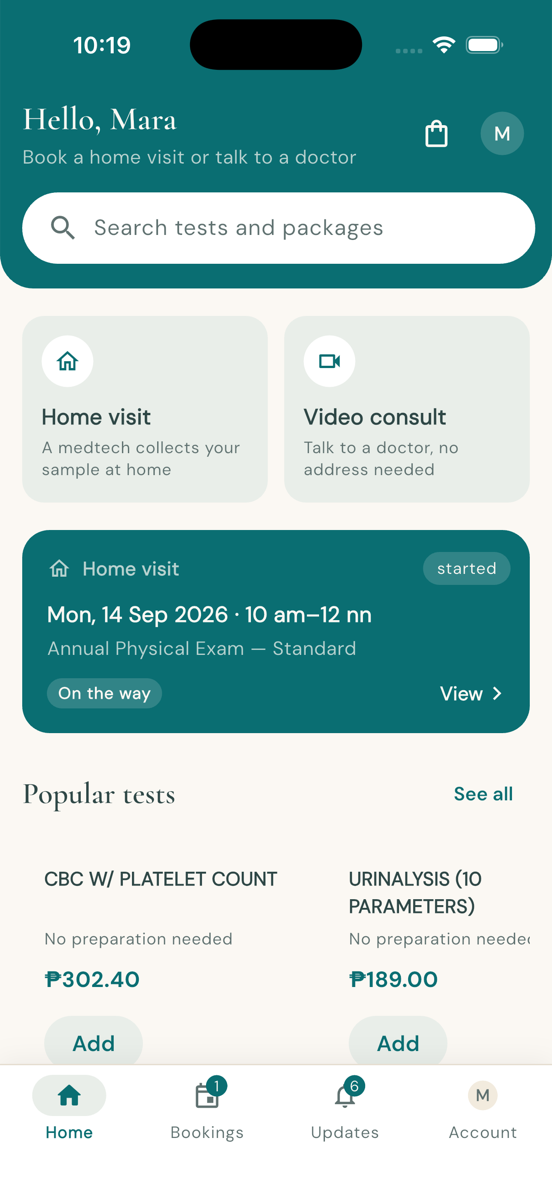
Book a home visit or a video consult, and see your next one at a glance.
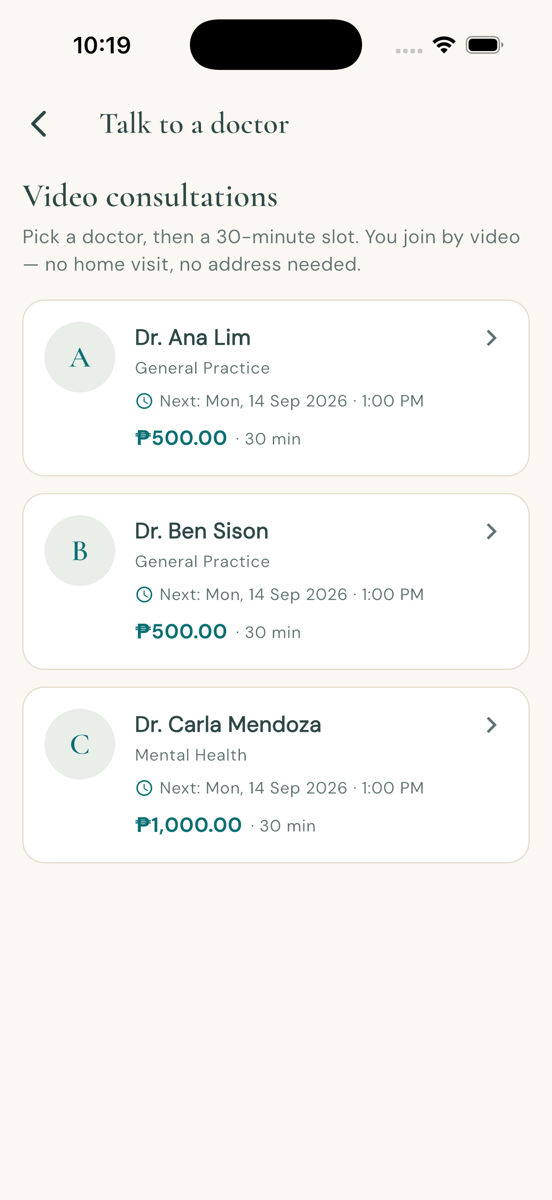
Pick a doctor and a 30-minute slot. No address needed.
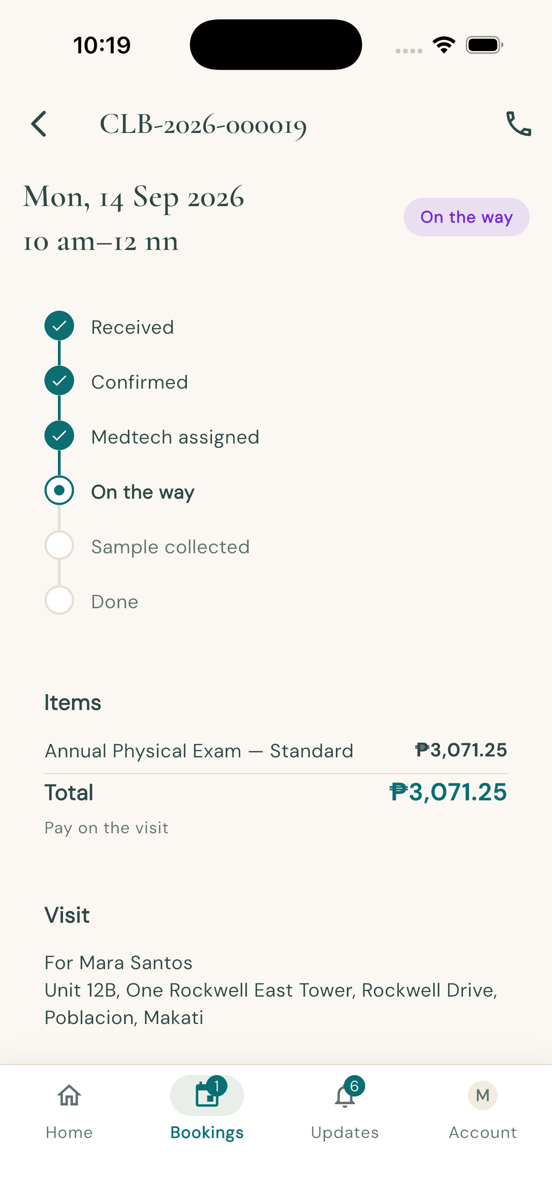
Follow the visit from received through to collected.
What the app does
Browse and book
Pick any of 333 tests or a package, choose a date and a time slot, and add your address.
Track your visit
See who is coming, when they will arrive, and get a notification when they are on the way.
Results in one place
Signed PDF results, prescriptions, and invoices stay in your account, ready to share with your doctor.
Questions about the app? Email support@colabhealth.ph.